INTERGRID Configurator
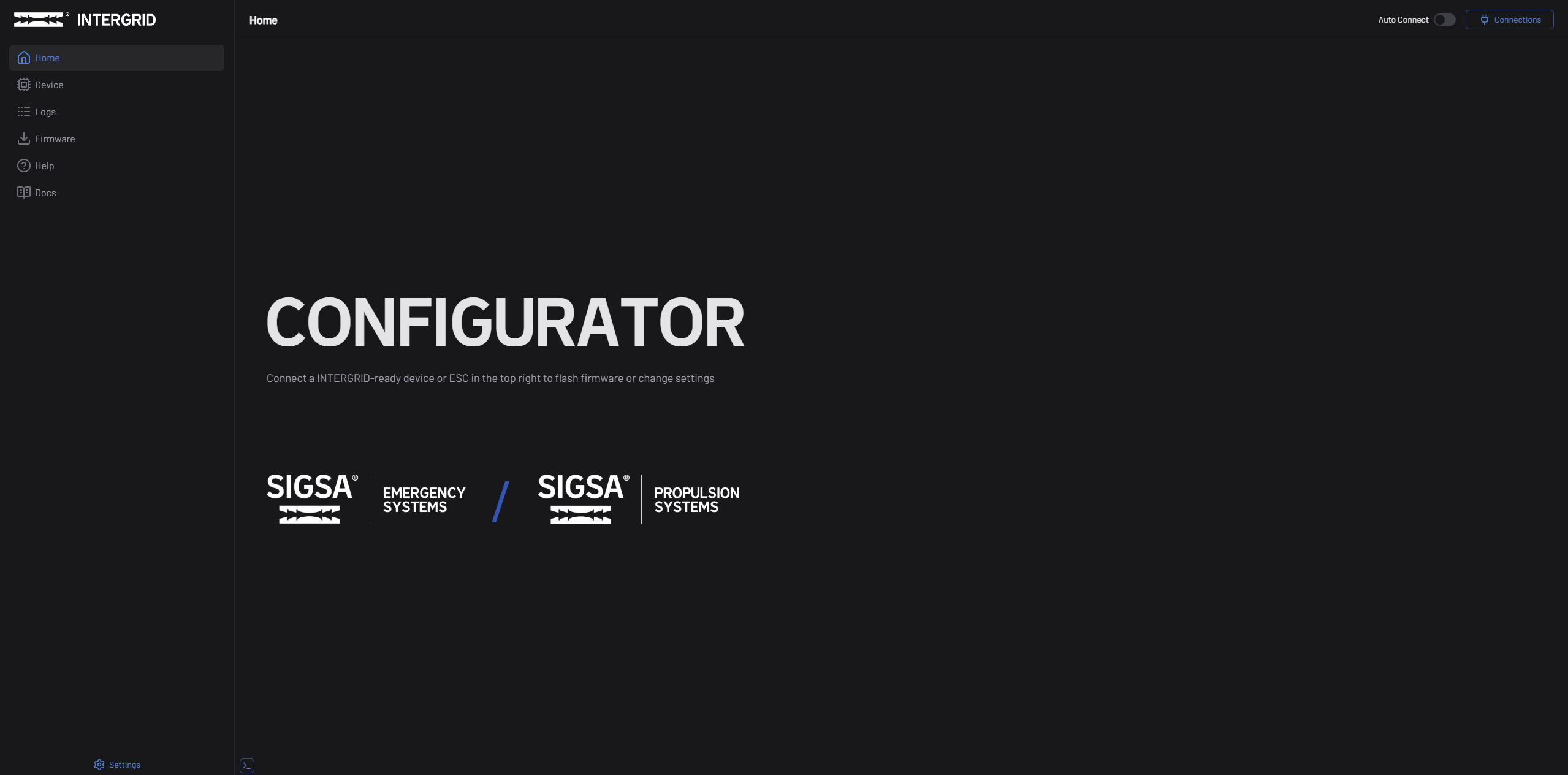
INTERGRID Configurator is a browser-based configuration tool for SIGSA devices, including electronic speed controllers (ESCs), emergency vehicle lighting (EVL) systems, and emergency vehicle control systems (EVCS). It runs entirely in your web browser — there is nothing to download or install.
With the Configurator, you can connect to your device over USB, adjust settings, update firmware, and export or import device configurations — all from a single interface.
Key Features
- Easy connect devices over USB Adapter or through a controller
- Configure settings with an organized, grouped interface
- Update firmware from the built-in firmware library or from local files
- Export and import configurations using
.itgcfgsettings files - Multi-device support — configure multiple devices connected through a controller in one session
System Requirements
| Requirement | Details |
|---|---|
| Browser | Google Chrome or any Chromium-based browser (Edge, Brave, Arc, etc.) |
| Connection | USB cable (USB-A or USB-C, depending on your device) |
| Operating System | Windows, macOS, or Linux — any OS that runs a supported browser |
INTERGRID Configurator requires some API features, which is only available in Chromium-based browsers. Firefox, Safari, and mobile browsers are not supported.
Interface Overview
The Configurator is organized around a sidebar navigation with the following main sections:
- Home — Landing page with app status and connected device overview
- Device — The main workspace for viewing device info, adjusting settings, and managing firmware on a connected device
- Firmware — Browse and search the firmware library for available updates
- Settings — Configure app preferences such as language and debug tools
- Help — Version information, contact details, and third-party credits
Next Steps
Ready to get started? Head to the Getting Started guide to connect your first device.